

Depositing Money on NK101
Adding money to an online gaming account requires more than selecting a payment option. The transaction must also match the account details, payment requirements, and any restrictions attached to the chosen method.
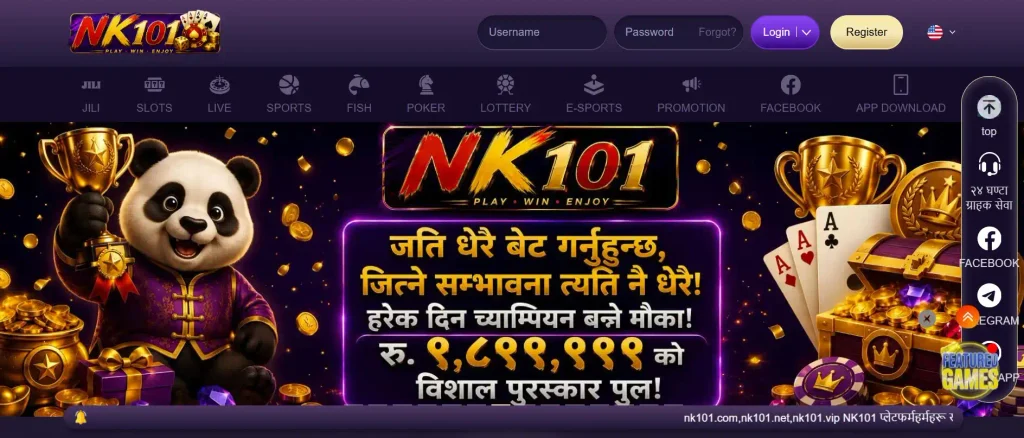
Overview of the NK101 Deposit Process
An NK101 deposit begins in the account’s payment or cashier section. Here, players review the available funding methods and choose the option they want to use.
The payment instructions determine what happens next. Some transactions involve entering details directly into a secure payment form. Others redirect the user to an external banking or payment application for authorization.
After payment confirmation, the transaction enters processing. Once successfully completed and recognized by the platform, the corresponding amount should appear in the player’s available account balance.
The exact sequence depends on the payment method and the current cashier interface.
Requirements Before Making a Deposit
Before attempting to fund an account, players should check several basic requirements.
- An active NK101 account with access to the cashier.
- Any required identity or account verification.
- A payment method supported by the platform.
- Sufficient funds in the selected payment account.
- A deposit amount within the displayed transaction limits.
- Accurate payment and account information.
- A stable internet connection during confirmation.
Players should also confirm that they meet the applicable age requirements and that the transaction is lawful in their jurisdiction.
NK101 Deposit Methods
Payment methods differ in how they transfer funds, confirm transactions, and handle processing delays. The options displayed in the NK101 cashier are the relevant choices for an individual account.
Mobile Money Deposit
Mobile money services allow users to transfer funds through supported wallet applications or mobile payment networks.
In Nepal, services such as eSewa and Khalti are familiar examples of digital wallets. Their availability as NK101 deposit methods, however, is not confirmed and should not be assumed.
Where a mobile wallet is supported, the transaction may involve selecting the wallet, entering an amount, and authorizing the payment through the provider’s interface.
Players should carefully review recipient details and transaction references before submitting funds.
Bank Card Deposits
Bank cards offer another common method of making online payments. Depending on the payment gateway, supported cards may include debit or credit products from participating financial institutions.
Card deposits usually require authorization through a secure payment interface. The issuing bank may request additional confirmation, such as a one-time password.
Not every card supports gambling-related transactions. Banks and payment processors can restrict certain merchant categories.
NK101 card availability, supported networks, and transaction requirements must be confirmed in the cashier.
Bank Transfers and Other Payment Options
Bank transfers move funds between financial accounts using the instructions supplied by the receiving service.
Some transfers use account numbers, reference codes, or other payment identifiers. These details must be entered accurately to prevent allocation problems.
Additional electronic payment channels may appear depending on the platform’s current arrangements.
Bank Transfer: minimum 50 USD or equal, maximum 2000 USD or equal. Other: minimum 80 USD or equal, maximum 3000 USD or equal. What we supported: bank transfer and other. You will get the balance within 5 minutes in most of the time.
The table below explains the general differences between payment categories without implying that every option is available on NK101.
| Payment category | Typical confirmation method | Possible processing considerations |
| Mobile wallet | Wallet application or payment authorization | Provider availability and account limits |
| Debit or credit card | Card verification and bank authorization | Issuer restrictions or declined transactions |
| Bank transfer | Banking application or transfer reference | Bank schedules and reference matching |
| Electronic payment gateway | Redirected payment page | Gateway availability and security checks |
| Other supported methods | Instructions shown in the cashier | Method-specific rules and restrictions |
How to Deposit Money on NK101
The exact appearance of the cashier may change, but the essential process involves accessing the account, choosing a supported payment method, and completing the transaction.
Logging In to Your NK101 Account
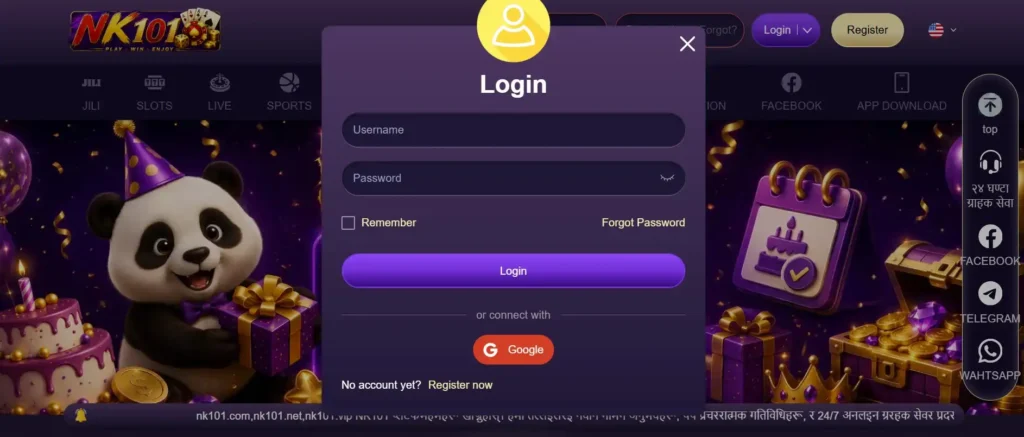
Begin by opening an authorized NK101 access channel.
Enter the required login credentials and navigate to the account dashboard. Look for a Deposit, Cashier, or Wallet section.
Avoid entering passwords or payment information on unofficial websites that imitate the platform’s appearance.
Selecting a Deposit Method
Open the deposit interface and review the payment methods presented for your account.
Compare the available transaction limits, expected processing times, and any displayed charges.
Select a method only after confirming that it is supported and suitable for your payment account.
Do not send money to an address, account, or recipient supplied through an unrelated message unless it can be verified through the platform’s authorized payment process.
Entering the Deposit Amount
Enter the amount you intend to transfer.
The cashier may display a minimum or maximum value. Transactions outside those limits can be rejected.
For example, a player intending to deposit NPR 1,000 should confirm that the selected payment channel accepts that amount and that the payment currency is correctly displayed.
This example does not establish an official NK101 minimum deposit.
Confirming the Transaction
Review the payment details before submitting the request.
Depending on the selected method, the process may require bank authorization, wallet confirmation, or a separate payment instruction.
Once the payment is submitted, retain the transaction reference or confirmation receipt.
Check the NK101 balance after the transaction has been processed. Avoid repeatedly submitting the same payment while an earlier request remains pending.
NK101 Minimum and Maximum Deposit Limits
Deposit limits determine how much money can be transferred in a single transaction. These values may differ according to payment method, currency, and account status.
Minimum Deposit Amount
The minimum deposit is the smallest amount accepted through a particular funding channel.
NK101’s exact minimum deposit cannot be established without the current cashier information.
Players should rely on the value displayed beside the selected payment method rather than figures published in outdated guides or promotional messages.
A deposit below the required minimum may fail or require additional assistance to resolve.
Maximum Deposit Limits
Maximum deposit limits restrict the amount accepted in one transaction or over a specified period.
These restrictions may originate from the platform, payment gateway, bank, or wallet provider.
Some payment services also impose daily or monthly transaction ceilings.
Attempting to divide a restricted payment into smaller transfers may still violate provider rules or trigger additional verification.
Deposit Fees and Transaction Costs
A deposit may involve charges from the payment provider, bank, currency conversion service, or platform.
NK101’s current deposit fee schedule has not been verified.
Before confirming a transaction, compare the amount being sent with the amount expected to reach the gaming account.
For example, a payment of NPR 2,000 that includes a separate NPR 20 provider fee costs NPR 2,020 in total. This is a hypothetical illustration, not an NK101 fee.
NK101 Deposit Processing Time
Deposit processing time is the period between submitting a payment and having the funds credited to the gaming balance.

Instant and Pending Deposits
Some electronic payment systems process successful transactions within seconds or minutes.
Others may require additional verification or reconciliation before the balance updates.
A payment marked pending has not necessarily failed. It may still be awaiting confirmation from the bank, wallet, payment gateway, or receiving platform.
The exact time required for an NK101 deposit depends on the selected method and transaction status.
Factors Affecting Transaction Processing
Several circumstances can influence how quickly a deposit is completed.
| Factor | Possible effect | Recommended response |
| Payment provider delay | Transaction remains pending | Check the provider’s status |
| Incorrect reference | Payment cannot be matched | Preserve the receipt and contact support |
| Insufficient balance | Transaction is declined | Review available funds |
| Bank security check | Authorization is delayed | Complete legitimate verification |
| Network interruption | Confirmation page does not load | Check transaction history before retrying |
| Account restriction | Deposit cannot proceed | Review account notifications |
Processing times should be treated as estimates unless the payment provider explicitly guarantees them.
NK101 Deposit Bonus
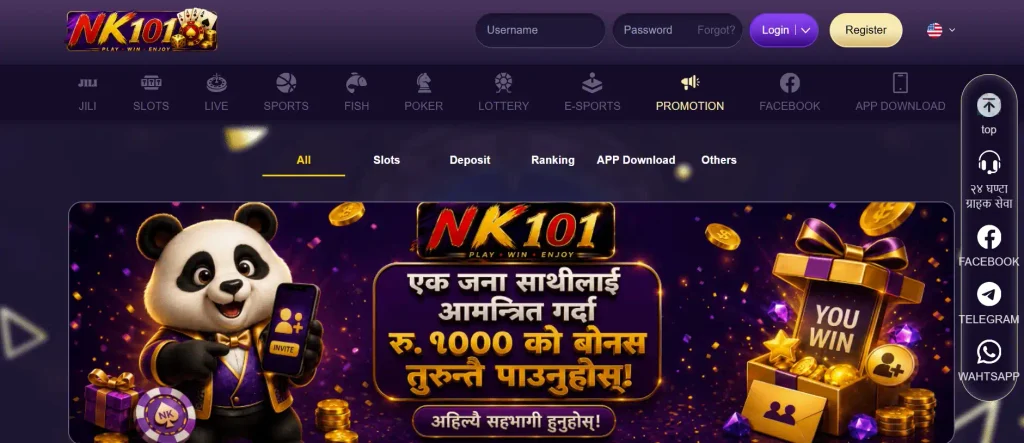
Deposit bonuses are promotional offers that may provide additional gaming credits or other benefits after a qualifying payment.
Available Deposit Bonuses
Online gaming platforms sometimes offer welcome bonuses, reload promotions, free spins, or sports betting incentives connected to deposits.
Whether NK101 currently offers a particular promotion depends on its active bonus program.
Bonus percentages, minimum qualifying deposits, maximum rewards, and eligible games should be checked in the promotion’s official terms.
A deposit does not automatically guarantee promotional eligibility.
How to Claim a Deposit Bonus
The claiming procedure depends on the promotion.
Some offers require players to select a bonus before depositing. Others use an activation button or promotional code.
A typical process involves opening the promotions section, reviewing eligibility, activating the chosen offer where required, and completing a qualifying deposit.
Players should not assume that a bonus can be added retrospectively after payment.
Deposit Bonus Terms and Conditions
Promotional funds can have restrictions that differ from ordinary deposited money.
Important terms may include:

- Minimum qualifying deposit.
- Bonus percentage and maximum award.
- Wagering requirements.
- Eligible casino games or betting markets.
- Maximum permitted wager while using bonus funds.
- Expiration dates.
- Withdrawal restrictions.
- Conditions for cancelling a bonus.
For example, a hypothetical NPR 500 bonus with a 20x wagering requirement on the bonus amount would require NPR 10,000 in qualifying wagers. This is not a confirmed NK101 promotion.
Wagering requirements do not guarantee that any money will remain after completion.
NK101 Deposit on Mobile
Mobile payment access allows users to manage account funding without a desktop computer. The main requirement is a compatible device and a secure payment interface.
Depositing Money on Android
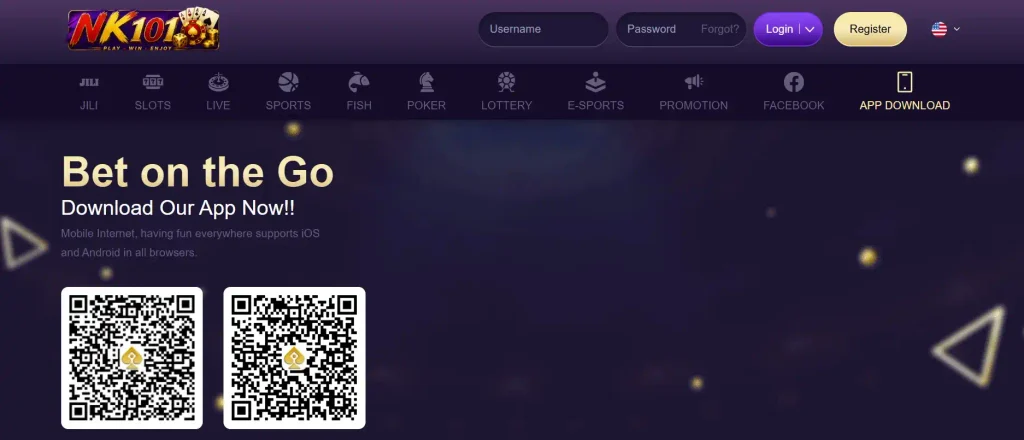
Android users can open the NK101 cashier through an authorized mobile access option.
The payment form should display the available methods, amount field, and confirmation instructions.
A supported wallet or banking application may open separately to authorize the transaction.
Keep the payment reference until the deposit appears in the account balance.
Mobile Browser Deposit Process
A mobile browser can provide access to the deposit section without installing a dedicated application.
After signing in, open the cashier and select the required funding method.
Follow the instructions carefully, particularly when switching between the browser and a payment application.
Do not refresh or resubmit a payment simply because the confirmation screen takes longer than expected to appear.
NK101 Deposit Problems and Solutions
Payment issues can occur even when the user follows the correct procedure. The most useful response depends on whether the payment was declined, remains pending, or was completed without a balance update.

Failed or Declined Deposits
A deposit may fail because of insufficient funds, incorrect information, bank restrictions, expired authorization, or a payment gateway error.
Start by checking the error message.
Then review the payment details and account balance. If the bank has not deducted the money, a new transaction may be possible after resolving the original problem.
Repeated unsuccessful attempts can trigger additional security checks.
Deposits Not Reflected in the Account
A completed payment that does not appear in the gaming balance requires careful investigation.
First, check the payment provider’s transaction history and confirm whether the money was actually transferred.
Next, review the NK101 cashier or transaction history for a matching record.
If the payment succeeded but the balance remains unchanged, gather the transaction reference, amount, date, and payment method.
Avoid sending a second payment until the first has been accounted for.
Contacting NK101 Customer Support
When a deposit cannot be resolved through the payment history, contact NK101 support through an authorized channel.
Explain the issue clearly and provide relevant transaction information.
A useful support request includes:
- The date and approximate time of payment.
- The deposit amount and currency.
- The selected payment method.
- The transaction reference.
- The current payment status.
- A receipt or screenshot with sensitive information concealed.
Never disclose passwords, one-time verification codes, or complete card credentials to support representatives.
NK101 Deposit FAQ
Sign in to your NK101 account, open the cashier, choose an available deposit method, enter the amount, and complete the payment instructions. Check the transaction status and account balance afterward.
The supported methods must be confirmed in the current NK101 cashier. Payment categories can include mobile wallets, bank cards, and bank transfers, but individual providers should not be assumed available without confirmation.
The exact minimum deposit has not been verified. It may depend on the selected payment channel and account currency. Review the minimum displayed in the cashier before submitting a transaction.
Processing time depends on the payment method, provider confirmation, and any additional checks. Some electronic payments may complete quickly, while others remain pending. The cashier and transaction history provide the relevant status information.
Fees may depend on the payment provider, bank, currency conversion, and platform rules. NK101’s exact deposit charges have not been confirmed, so review the final payment amount and any displayed fees before authorizing the transaction.
Check whether the payment was completed or remains pending. Keep the transaction receipt and reference number, review the NK101 transaction history, and contact authorized customer support if the funds were deducted but not credited. Avoid repeating the payment until its status is clear.